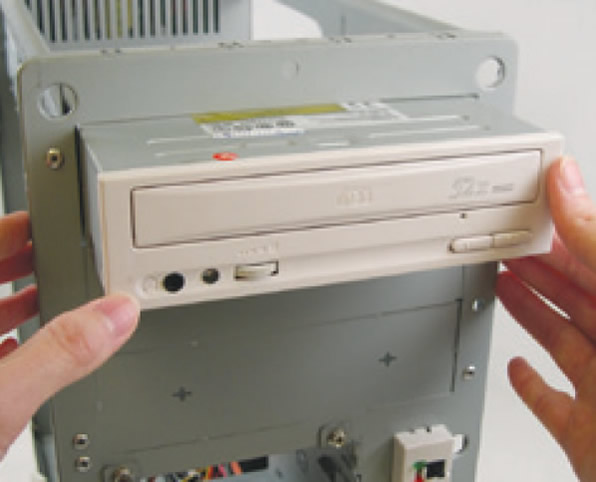
Install your optical drives, such as DVD-ROM and CD-ROM drives.
Remove the 5.25" drive bay cover from the front of the case. Mount the optical drive
in the 5.25" drive bay and secure it with screws.
Installing a Hard Drive
6-2
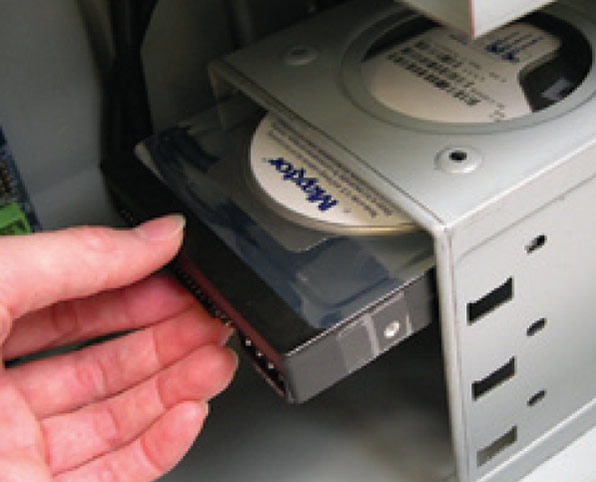
Install your IDE and SATA hard drives.
Install the hard drive into a drive bay within the case and secure it with screws.
Note
•
One motherboard IDE connector can connect up to two IDE devices. Prior to installation, check the jumper settings (master and slave) on your IDE devices.
•
If more than one hard drive is installed, enter system BIOS Setup to set the hard drive boot sequence.