Workstation

Reliable and powerful, workstations are ideal for intensive 3D rendering, simulations, and creative work. They offer enterprise features such as remote management, ECC memory, and server OS support.

Applications Include :

  • Machine Learning
  • Digital Twin
  • Content Creation
  • 3D Rendering
GIGABYTE Workstation
Filter
Platform
Cooling Type
Processor Vendor
CPU Series
CPU Type
CPUs
Form Factor
GPU Type
GPUs
LAN Speed
LAN Ports
DIMM Slots
Drive Bays
CPU Power
Application

W773

GPU Workstation (2)
Copy Series Link
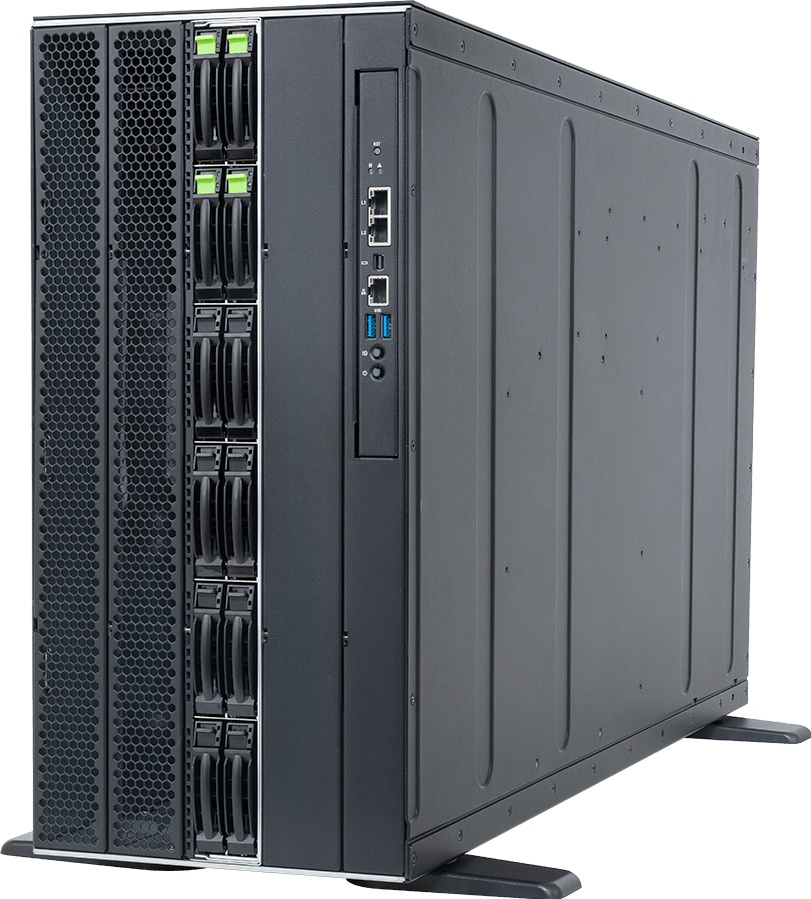
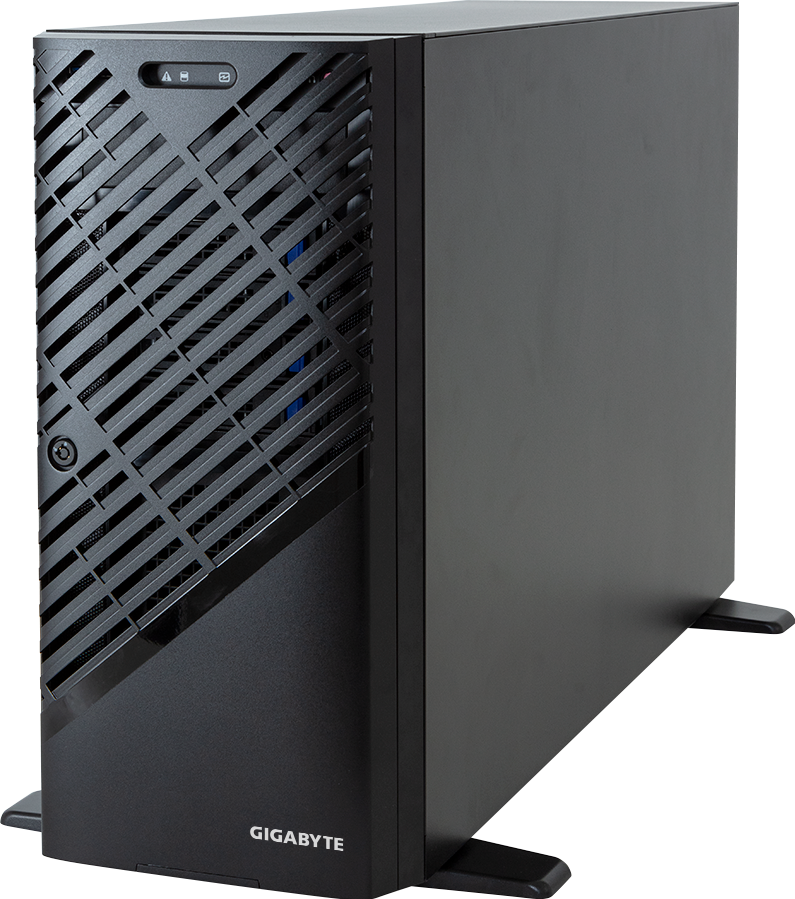
GPU Workstation Tower-Server W773
  • CPU Type
  • DIMM Slots
  • LAN Speed
  • LAN Ports
  • Drive Bays
  • PSU
  • Cooling Type
  • Intel Xeon W-3400
  • Intel Xeon W-2400
  • Intel Xeon W-3500
  • Intel Xeon W-2500
  • 8
  • 10 Gb/s
  • 2
  • 8 x 3.5"/2.5"
  • Single 2500 W
  • AMD Ryzen Threadripper PRO 7000 WX
  • AMD Ryzen Threadripper PRO 9000 WX
  • 8
  • 10 Gb/s
  • 2
  • 8 x 3.5"/2.5"
  • Single 2500 W

W793

GPU Workstation (1)
Copy Series Link
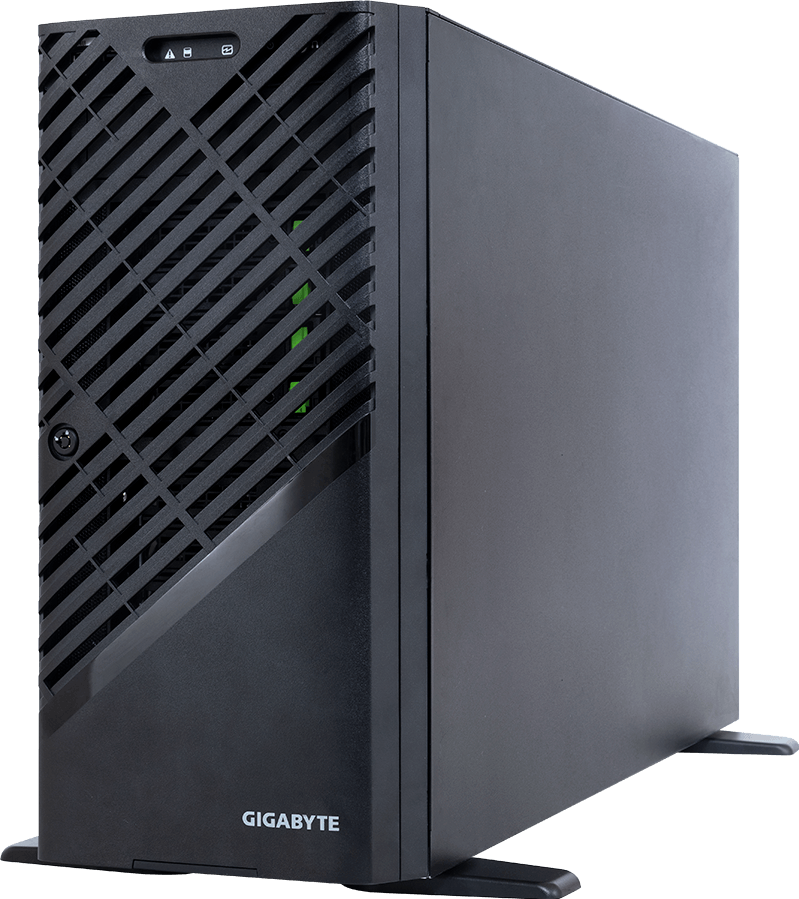
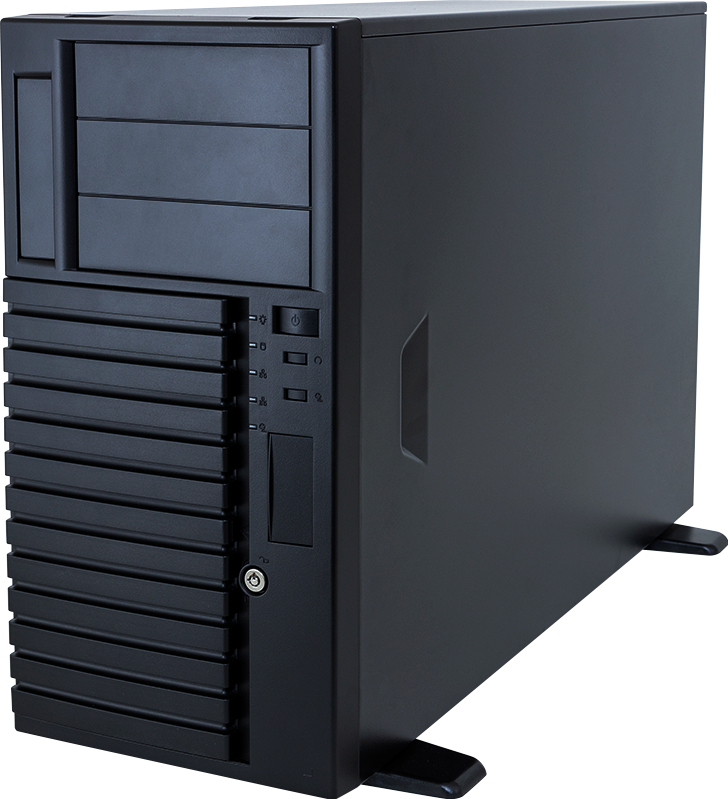
GPU Workstation Tower-Server W793
  • CPU Type
  • DIMM Slots
  • LAN Speed
  • LAN Ports
  • Drive Bays
  • PSU
  • Cooling Type
  • AMD EPYC 9004
  • AMD EPYC 9005
  • 12
  • 10 Gb/s
  • 2
  • 4 x 2.5"
  • Triple 2400 W

W774

GPU Workstation (1)
Copy Series Link
GPU Workstation Tower-Server W774
  • CPU Type
  • DIMM Slots
  • LAN Speed
  • LAN Ports
  • Drive Bays
  • PSU
  • Cooling Type
  • Intel Xeon 600 Processors for Workstations
  • 8
  • 10 Gb/s
  • 2
  • 8 x 3.5"/2.5"
  • Single 2500 W

W775

GPU Workstation (1)
Copy Series Link
GPU Workstation Tower-Server W775
  • CPU Type
  • DIMM Slots
  • LAN Speed
  • LAN Ports
  • Drive Bays
  • PSU
  • Cooling Type
  • NVIDIA Grace
  • --
  • 400 Gb/s + 10 Gb/s
  • 3
  • --
  • Single 1600 W

W733

Entry Workstation (1)
Copy Series Link
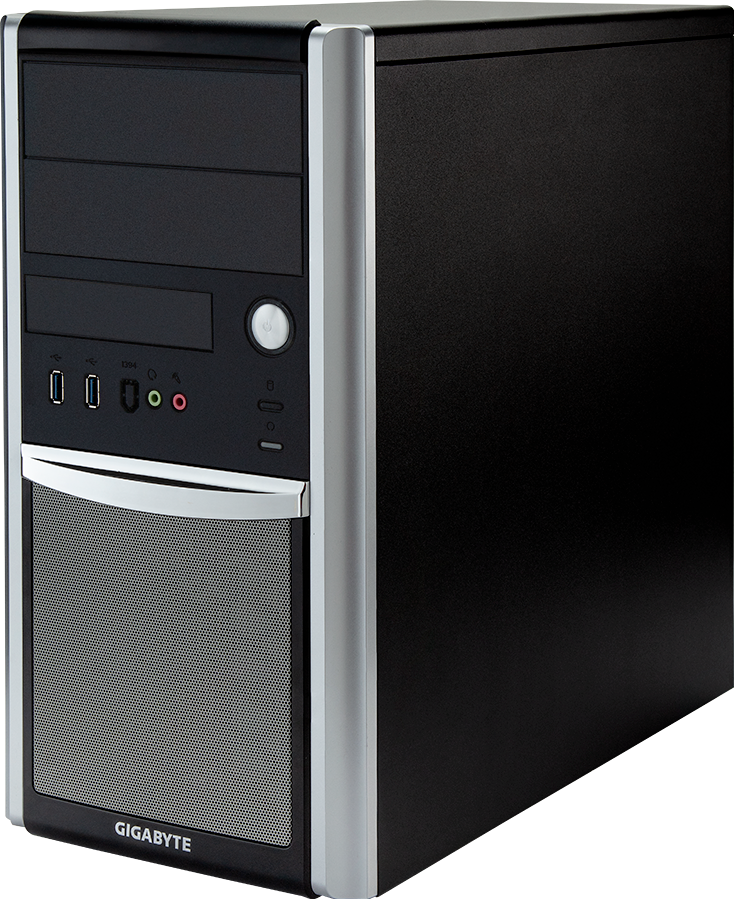
Entry Workstation Tower-Server W733
  • CPU Type
  • DIMM Slots
  • LAN Speed
  • LAN Ports
  • Drive Bays
  • PSU
  • Cooling Type
  • 12th Gen Intel Core i
  • 13th Gen Intel Core i
  • 14th Gen Intel Core i
  • 4
  • 2.5 Gb/s
  • 1
  • 8 x 3.5"/2.5"
  • Single 850 W

W753

Mainstream Workstation (1)
Copy Series Link
Mainstream Workstation Tower-Server W753
  • CPU Type
  • DIMM Slots
  • LAN Speed
  • LAN Ports
  • Drive Bays
  • PSU
  • Cooling Type
  • Intel Xeon W-2400
  • Intel Xeon W-2500
  • 8
  • 2.5 Gb/s
  • 2
  • 4 x 3.5"/2.5"
  • Single 1200 W

W533

Entry Workstation (1)
Copy Series Link
Entry Workstation Tower-Server W533
  • CPU Type
  • DIMM Slots
  • LAN Speed
  • LAN Ports
  • Drive Bays
  • PSU
  • Cooling Type
  • 12th Gen Intel Core i
  • 13th Gen Intel Core i
  • 14th Gen Intel Core i
  • 4
  • 2.5 Gb/s
  • 1
  • 8 x 3.5"/2.5"
  • Single 850 W

W332

Entry Workstation (1)
Copy Series Link
Entry Workstation Tower-Server W332
  • CPU Type
  • DIMM Slots
  • LAN Speed
  • LAN Ports
  • Drive Bays
  • PSU
  • Cooling Type
  • AMD Ryzen 7000
  • 4
  • 2.5 Gb/s + 1 Gb/s
  • 2
  • 2 x 3.5"/2.5"
  • Single 500 W

Workstation FAQ

What is a workstation?

A workstation is a high-performance computer designed for professional workloads such as 3D design and rendering, engineering simulation, digital twin development, and scientific research. To handle demanding applications, it is typically equipped with high-performance multi-core CPUs, professional GPUs, large memory capacity, and storage with high write endurance.
The difference between a workstation and a regular desktop is not just raw performance, but also the class of hardware and its intended purpose. A regular desktop uses consumer-grade components and is designed for everyday tasks such as web browsing, office work, multimedia editing, and gaming. In contrast, a workstation is built with professional-grade hardware to run intensive workloads reliably over extended periods, typically offering more CPU cores, more PCIe lanes for multiple GPUs and high-speed storage, and support for significantly greater memory capacity. High-end workstations also offer enterprise-class features, including remote management for simplified IT administration, ECC memory that detects and corrects memory errors before they cause data corruption or system crashes, and support for operating systems validated for professional use.
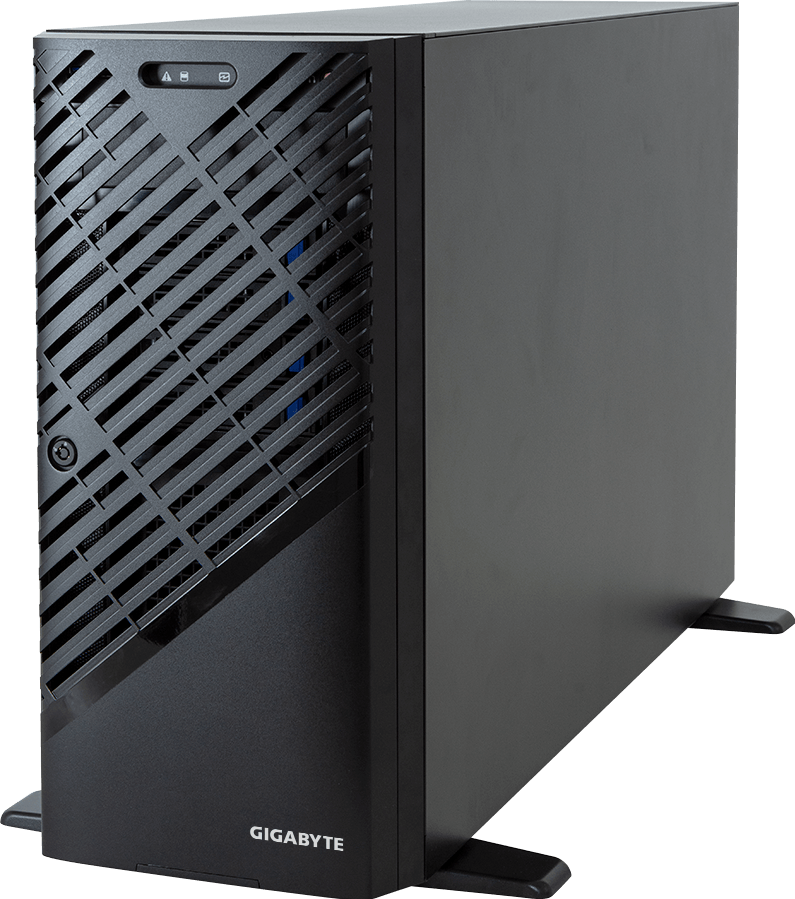
Professional workloads that require heavy computing power, long periods of continuous operation, or high levels of data accuracy and system stability benefit the most from using a workstation. Common applications include 3D modeling and rendering, CAD and CAE engineering design and simulation, media and entertainment work such as video editing and visual effects, scientific and numerical computing, and AI and machine learning development.