









Frequently Asked Questions
Who is AI TOP AERO designed for?
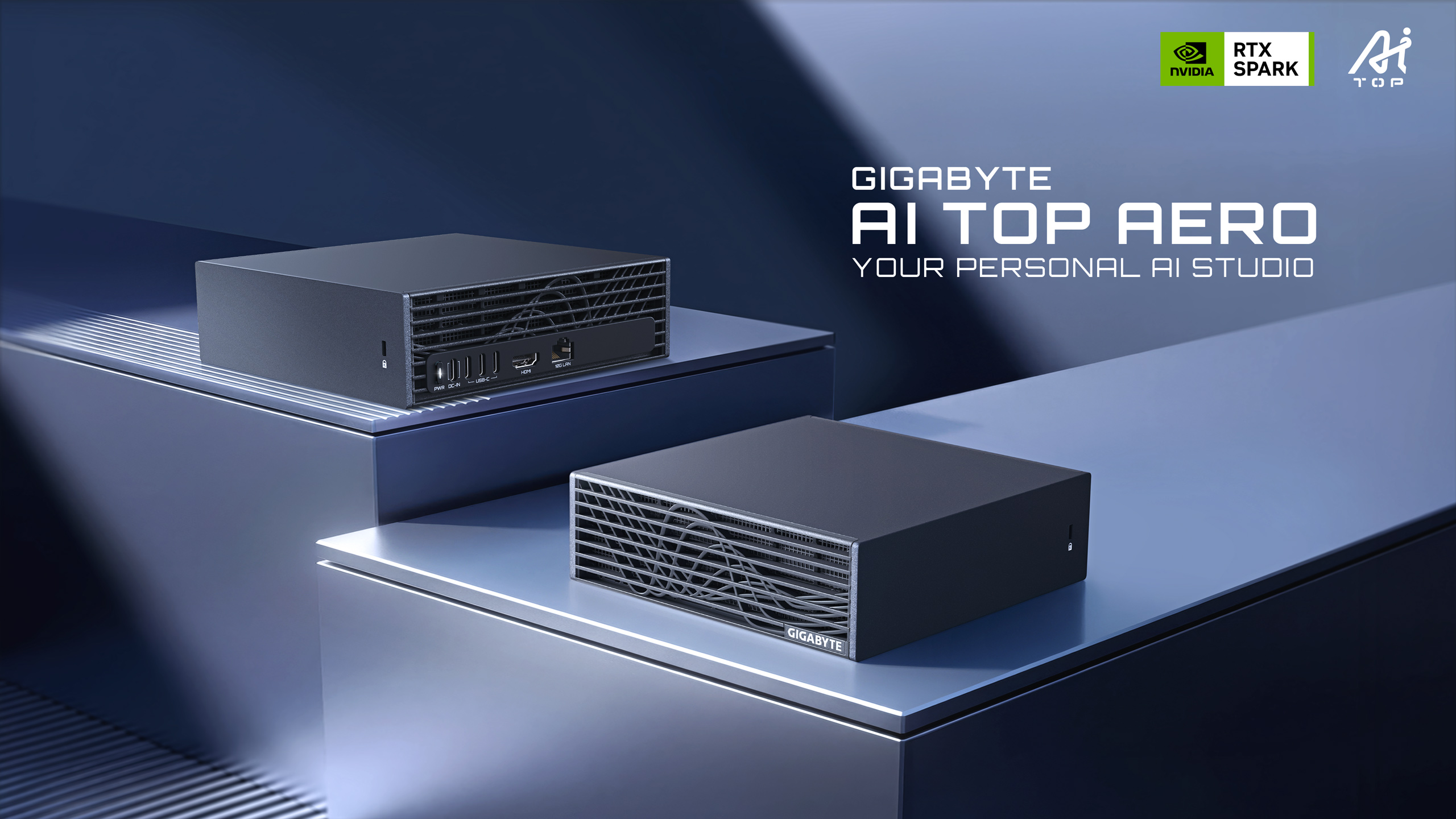
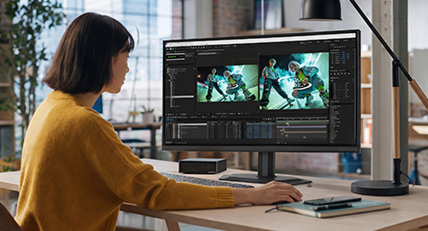
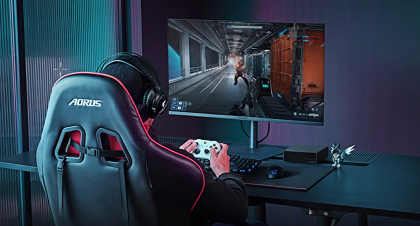
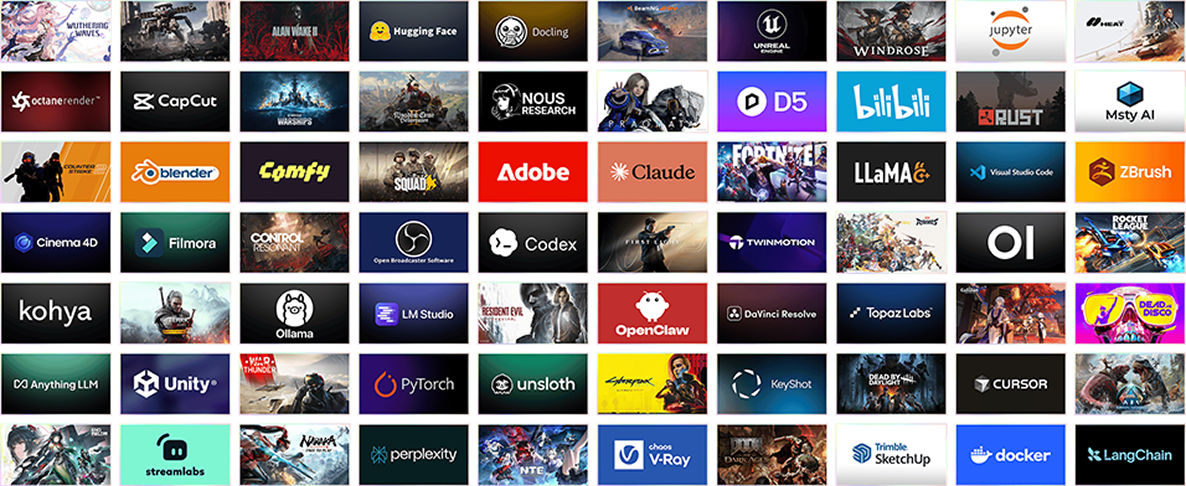
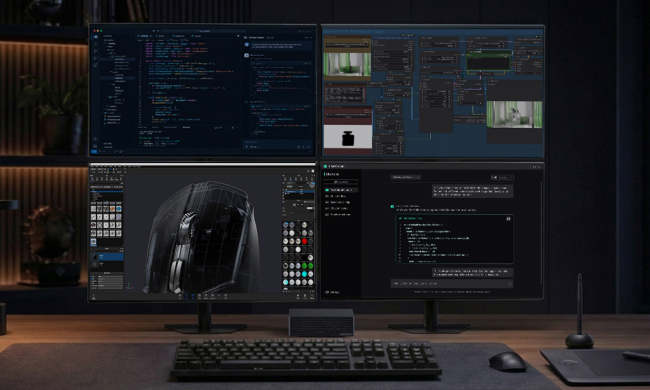
AI TOP AERO is designed for AI developers, AI power users, and creative professionals who want to integrate local AI into familiar Windows workflows. It supports AI model and agent development, advanced local inference, and AI-assisted content creation. NVIDIA RTX technologies also enable responsive, high-fidelity gaming across supported titles.
Can AI TOP AERO run AI workloads locally?
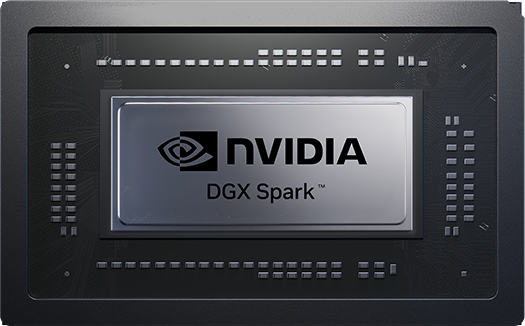
Yes. AI TOP AERO delivers up to 1 PFLOP of FP4 AI performance and up to 128 GB of unified memory, allowing it to support compatible models with up to 120 billion parameters. Inference and other supported AI workloads can run directly on the system. Actual supported model size and performance vary by configuration, software, model format, and optimization.
What are the benefits of running AI agents locally?
Running supported AI agents locally can help keep sensitive data on the device, reduce latency, and maintain availability without relying on a constant cloud connection. Local execution can also reduce dependence on usage-based cloud fees, although some agents, models, APIs, or services may require internet access, subscriptions, or transmit data externally.
What’s the difference between AI TOP AERO and AI TOP ATOM?
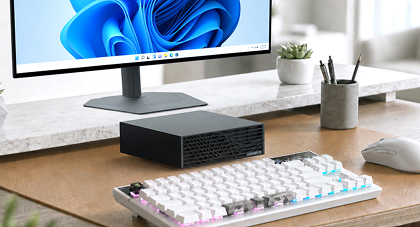
AI TOP AERO runs Windows and brings AI acceleration into familiar professional applications and everyday workflows. AI TOP ATOM runs NVIDIA DGX OS and is designed primarily for AI development, research, and scalable computing across multiple connected systems.
I’m new to AI. How can I get started with AI TOP AERO?
Explore NVIDIA RTX Spark Playbooks for step-by-step guides to running local language models, setting up AI agents, building AI applications, and generating content on RTX systems. These practical resources can help you choose compatible tools and turn AI TOP AERO’s performance into real-world workflows.