
1. Home
  2. Consumer
  3. Monitor
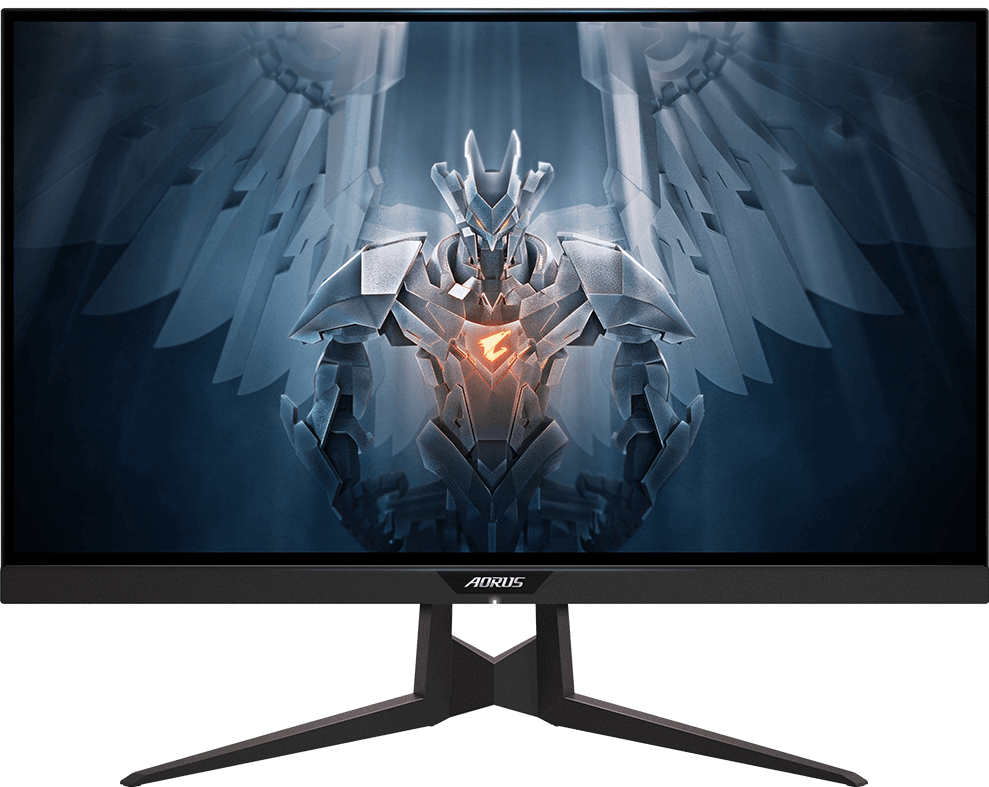
  4. AORUS FI27Q Gaming Monitor

AORUS FI27Q Gaming Monitor

Legacy

Specifications


* The terms HDMI, HDMI High-Definition Multimedia Interface, HDMI Trade dress and the HDMI Logos are trademarks or registered trademarks of HDMI Licensing Administrator, Inc.
* The entire materials provided herein are for reference only. GIGABYTE reserves the right to modify or revise the content at anytime without prior notice.
* Advertised performance is based on maximum theoretical interface values from respective Chipset vendors or organization who defined the interface specification. Actual performance may vary by system configuration.
* All trademarks and logos are the properties of their respective holders.
* Due to standard PC architecture, a certain amount of memory is reserved for system usage and therefore the actual memory size is less than the stated amount.

Support

Downloads
Utility (+2)Firmware (+2)Utility (+2)Firmware (+2)
Support
Manual FAQ ManualFAQ
OS

Utility

DescriptionVersionOSSizeDate

OSD Sidekick

Note : To enable OSD Sidekick, it requires connection between PC and monitor with USB cable.

B21.0325.1Windows 10 32bit Windows 10 64bit Windows 11 64bit291.26 MBApr 21, 2021

Crosshair Package for OSD Sidekick

1.0Windows 10 32bit Windows 10 64bit3.25 KBJul 15, 2019
DescriptionOSD Sidekick

Note : To enable OSD Sidekick, it requires connection between PC and monitor with USB cable.
VersionB21.0325.1
OSWindows 10 32bit, Windows 10 64bit, Windows 11 64bit
Size291.26 MB
DateApr 21, 2021
DescriptionCrosshair Package for OSD Sidekick
Version1.0
OSWindows 10 32bit, Windows 10 64bit
Size3.25 KB
DateJul 15, 2019