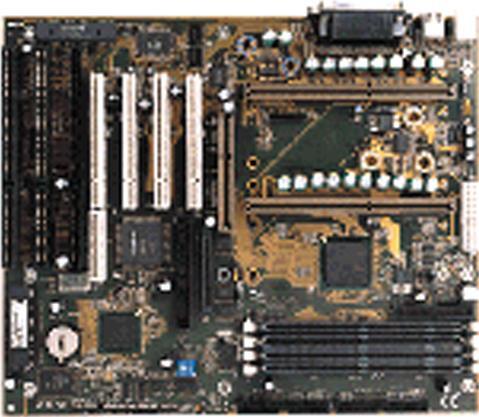

Specifications


* The terms HDMI, HDMI High-Definition Multimedia Interface, HDMI Trade dress and the HDMI Logos are trademarks or registered trademarks of HDMI Licensing Administrator, Inc.
* The entire materials provided herein are for reference only. GIGABYTE reserves the right to modify or revise the content at anytime without prior notice.
* Advertised performance is based on maximum theoretical interface values from respective Chipset vendors or organization who defined the interface specification. Actual performance may vary by system configuration.
* All trademarks and logos are the properties of their respective holders.
* Due to standard PC architecture, a certain amount of memory is reserved for system usage and therefore the actual memory size is less than the stated amount.

Support

Downloads
BIOS (+3)BIOS (+3)
Support
Manual FAQ ManualFAQ

BIOS

DescriptionVersionSizeDate

  1. Support clock ratio to 11.5
  2. ENABLE IR DEVICE
  3. support 75 GB HDD

F1d221.72 KBOct 9, 1999

  1. Support above 400MHz CPU.
  2. Include AWDFLASH.EXE

2.0210.84 KBJun 25, 1998

  1. Change BIOS Kernel 2. Update Deschutes patch code to 0027h 3. Fix AHA-2940UW + Adaptec AAA-131 RAID card failure 4. Patch LGS SDRAM intermittent detect failure

1.20395.02 KBMay 14, 1998
Description
  1. Support clock ratio to 11.5
  2. ENABLE IR DEVICE
  3. support 75 GB HDD
VersionF1d
Size221.72 KB
DateOct 9, 1999
Description
  1. Support above 400MHz CPU.
  2. Include AWDFLASH.EXE
Version2.0
Size210.84 KB
DateJun 25, 1998
Description
  1. Change BIOS Kernel 2. Update Deschutes patch code to 0027h 3. Fix AHA-2940UW + Adaptec AAA-131 RAID card failure 4. Patch LGS SDRAM intermittent detect failure
Version1.20
Size395.02 KB
DateMay 14, 1998

Warning:
Because BIOS flashing is potentially risky, if you do not encounter problems using the current version of BIOS, it is recommended that you not flash the BIOS. To flash the BIOS, do it with caution. Inadequate BIOS flashing may result in system malfunction.


Update CPU ID/Micro codes in new BIOS means?
[1] To support new series of CPUs, or [2] To support the same CPU but with new stepping. CPU support of motherboard is consist of BIOS and hardware design, detail CPU support information please see CPU support list.