View complete spec list
Monitor Comparison
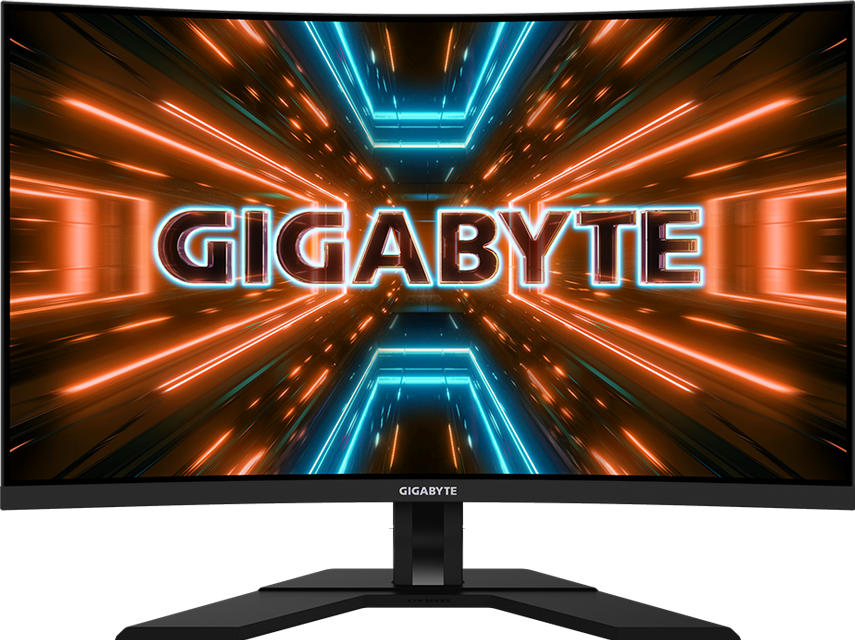
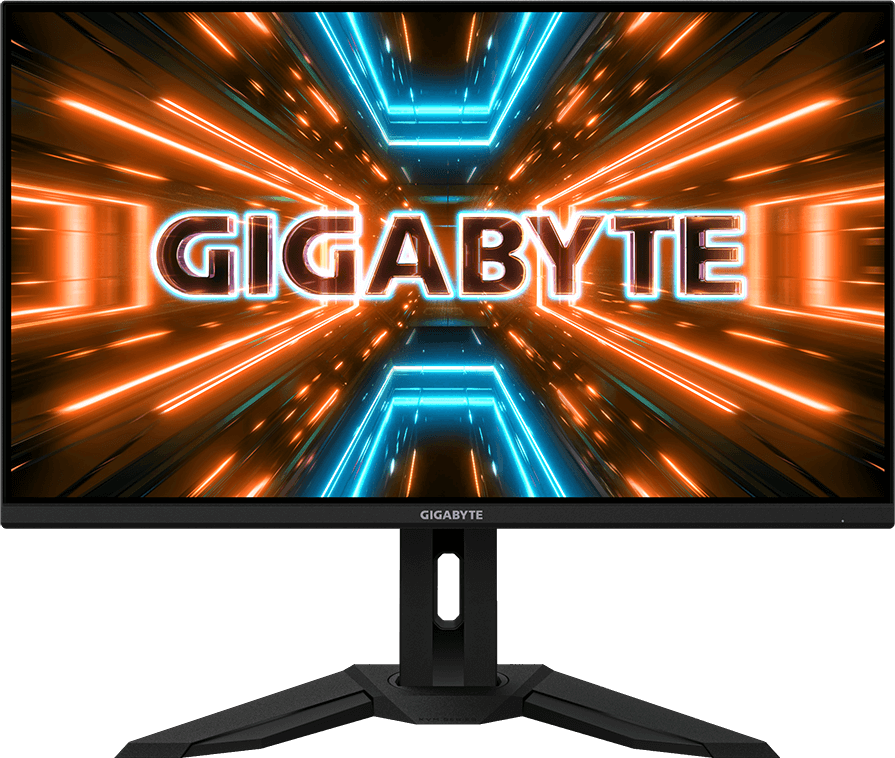
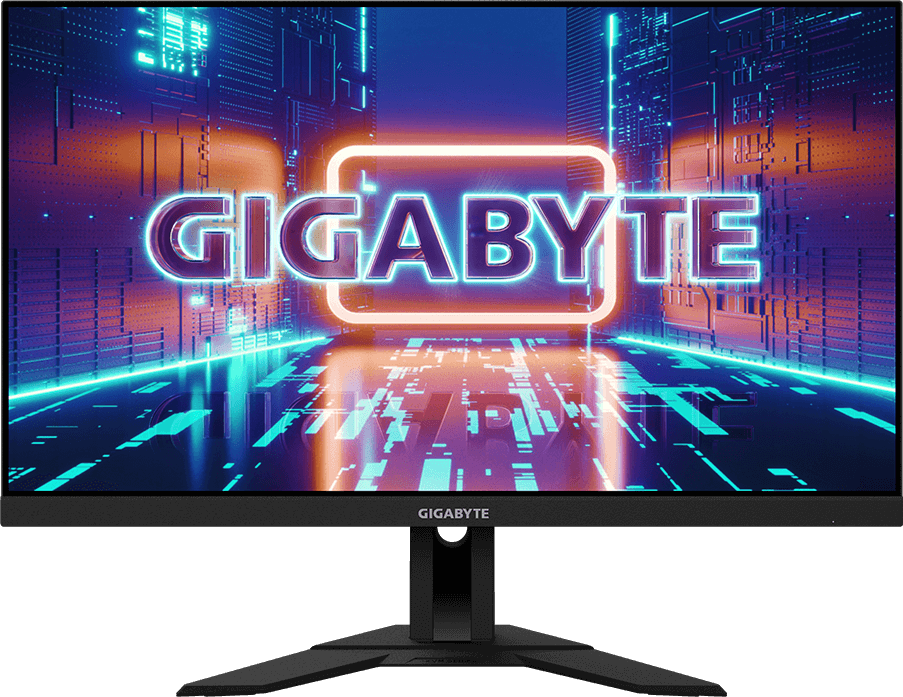
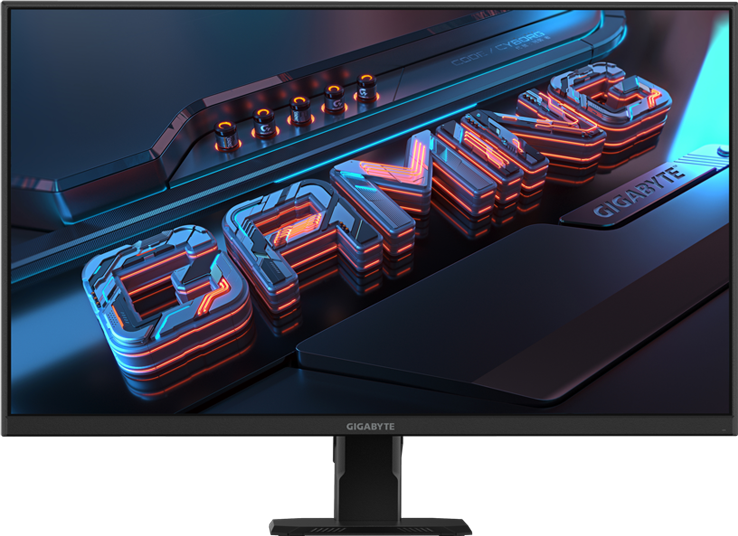
- Quick Navigate
- Type
Type
Curve- Panel Size (inch)
Panel Size
(inch)31.5”SS VA31.5” SS IPS28" SS IPS27" SS IPS- Panel Type
Panel Type
EdgeEdge typeEdge typeEdge- Display Viewing Area (HxV)
Display Viewing Area
(HxV)697.306 x 392.234 mm697.3056 x 392.2344 (mm)631.928 x 359.78 (mm)596.74 x 335.66 (mm)- Color Saturation
Color Saturation
93% DCI-P3, 123% sRGB90% DCI-P3/ 123% sRGB94% DCI-P3/ 120% sRGB110% sRGB- Resolution
Resolution
3840 x 2160 (UHD)3840 x 2160 (UHD)3840 x 2160 (UHD)2560 x 1440 (QHD)- Display Surface
Display Surface
Non-glareNon-glareNon-glareNon-glare- Refresh Rate (Max)
Refresh Rate
(Max)144 Hz/OC 160 Hz (with DP 1.4)144Hz
120Hz for Console Game*144Hz
120Hz for Console Game*240 Hz/OC 250Hz- Pixel Pitch
Pixel Pitch
0.181(H) x 0.181(V) mm0.181 (H) x 0.181(V)0.16 (H) x 0.16 (V)0.2331*0.2331- Brightness
Brightness
350 cd/m2(TYP)350 cd/m2 (TYP)300 cd/m2 (TYP)300 cd/m2 (TYP)- Contrast Ratio (Typ.)
Contrast Ratio
(Typ.)3000:11000:11000:11000:1- Viewing Angle
Viewing Angle
178°(H)/178°(V)178°(H)/178°(V)178°(H)/178°(V)178°(H)/178°(V)- Display Colors
Display Colors
8 bits10-bit (8-bit + FRC)8 bits1.07B- Response Time
Response Time
1ms MPRT/2ms GTG1ms MPRT1ms GTG / 2ms MPRT1ms (MPRT)- VRR
VRR
FreeSync Premium Pro- HDR Support
HDR Support
VESA DisplayHDR400VESA Display HDR400VESA Display HDR400HDR Ready- Flicker-free
Flicker-free
YesYesYesYes- HBR3
HBR3
YesYesYes- Connectivity
Connectivity
2 x HDMI 2.1 (support 4K 144Hz 4:4:4 @ DSC enabled or 4K 144Hz 4:2:0)
1 x Displayport 1.4
1 x USB Type-C (Alternate Mode; Upstream port; Power Delivery up to 18W)
3 x USB 3.2 Downstream ports
1 x USB 3.2 Upstream port
1 x Earphone JackHDMI 2.1 (support 4K 144Hz 4:4:4 @ DSC enabled or 4K 144Hz 4:2:0) x2
Display port 1.4 (DSC) x1
USB Type-C x1HDMI 2.1 (support 4K 144Hz 4:4:4 @ DSC enabled or 4K 144Hz 4:2:0) x2
Display port 1.4 (DSC) x1
USB Type-C x12 x HDMI 2.0
1 x Displayport 1.4
1 x Earphone Jack- Earphone Jack
Earphone Jack
YesYesYes- Speaker
Speaker
3W x 23W x23W x2N/A- Unique Features
Unique Features
OSD Sidekick **
Aim Stabilizer Sync
Black Equalizer
Dashboard
Crosshair
Timer
Counter
PiP/PbP
Eagle Eye
Auto-Update
KVM
6 axis Color Control
Smart OD
HDMI CEC
Apply Picture ModeOSD Sidekick**
Aim Stabilizer Sync
Black Equalizer
Dashboard
Crosshair
Timer
Counter
PiP/PbP
Auto-Update
KVM
6 axis Color Control
Smart ODOSD Sidekick**
Aim Stabilizer Sync
Black Equalizer
Dashboard
Crosshair
Timer
Counter
Auto-Update
KVM
6 axis Color Control
Smart ODOSD Sidekick *
Aim Stabilizer
Black Equalizer
Crosshair
Timer
PiP/PbP- USB port(s)
USB port(s)
USB 3.0 x3USB 3.0 x3- Power Type
Power Type
AdapterBuilt-inBuilt-inPower Board Build-in- Power Consumption
Power Consumption
47W*34W **- AC Input Max
AC Input Max
140W115W- Power Saving Mode
Power Saving Mode
0.5W0.5W0.5W0.5W- Power Off Mode
Power Off Mode
0.3W0.3W0.3W0.3W- Voltage
Voltage
19Vdc,7.9AAC 100V~240V /50~60HzAC 100-240V ~ 50/60HzAC 100-240V ~ 50/60Hz- Tilt(angle)
Tilt(angle)
-5°~+20°-5°~+20°-5°~+20°-5°~+20°- Swivel(angle)
Swivel(angle)
N/A-30°~+30°N/A- Pivot(angle/direction)
Pivot(angle/direction)
N/AN/AN/A- Height Adjustment (mm)
Height Adjustment
(mm)100 mm130mm130mmN/A- VESA Wall Mounting(mm)
VESA Wall Mounting(mm)
100*100 mm100*100mm100*100mm100*100mm- Kensington lock
Kensington lock
YesYesYesYes- Phys. Dimension with Stand(WxHxD)
Phys. Dimension with Stand(WxHxD)
710.5*555*183.9 mm715.3*585.3*244.3 mm636.5*534.2*193.6619*447*172 mm- Phys. Dimension w/o stand (WxHxD)
Phys. Dimension w/o stand
(WxHxD)710.5*423.3*100.5 mm715.8*423.8*68.2 mm636.5*372.3*63.1619*365.5*50.2 mm- Box Dimension (WxHxD)
Box Dimension
(WxHxD)925(W)*570(H)*198(D)mm990*536*192 mm890*510*148740*156*500 mm- Net Weight with stand (Esti.)
Net Weight with stand
(Esti.)7.8 kg10.35 kg6.93 (kg)5.7 kg- Net Weight without stand (Esti.)
Net Weight without stand
(Esti.)5.5 kg7.25 kg5.18 (kg)4.7 kg- Gross Weight (Esti.)
Gross Weight
(Esti.)11.98 kg13.75 kg9.7 (kg)7.7 kg- Accessories
Accessories
Power cable/HDMI cable/DP cable/USB cable/QSG/Warranty cardPower cable/HDMI cable/DP cable/USB Cable/QSG/Warranty cardPower cable/HDMI cable/DP cable/USB cable/QSG/Warranty cardPower cable/DP cable/QSG/Warranty card- Note
Note
*The test condition follows CEC standards.
** To enable OSD Sidekick, it requires connection between PC and monitor with USB (A-Male to B-Male) cable.*HDMI2.1 supports PS5 and Xbox Series X at 4K UHD@120Hz (4:2:0)
** To enable OSD Sidekick, it requires connection between PC and monitor with USB (A-Male to B-Male) cable.*HDMI2.1 supports PS5 and Xbox Series X at 4K UHD@120Hz (4:2:0)
** To enable OSD Sidekick, it requires connection between PC and monitor with USB (A-Male to B-Male) cable.*To enable OSD Sidekick (integrated in GCC), it requires connection between PC and monitor with HDMI/DP cable.
**The test condition follows CEC standards.