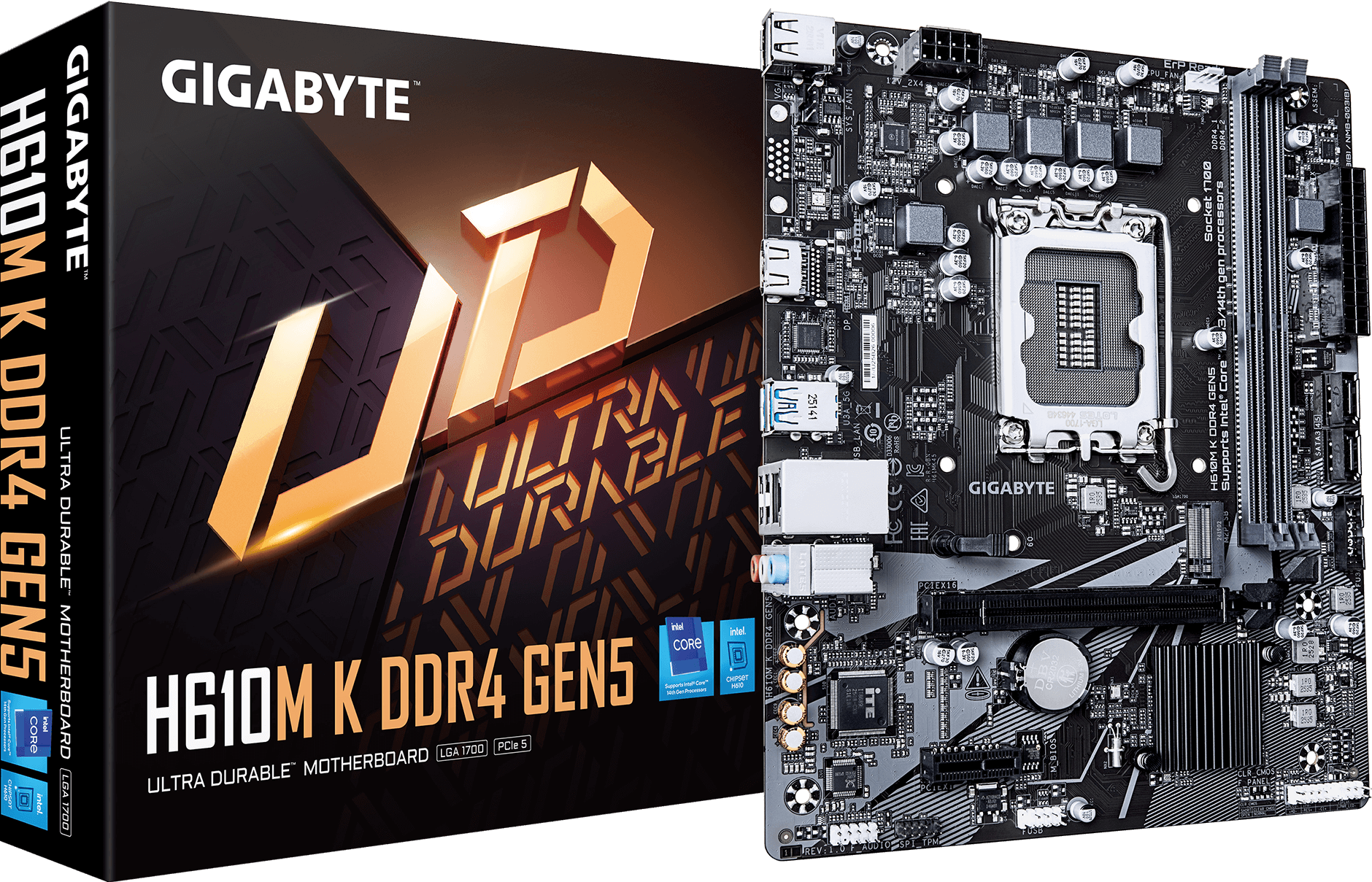
H610M K DDR4 GEN5
Intel® H610 Chipset
Key Features
OVERVIEW
PERFORMANCE
CONNECTIVITY
ULTRA DURABLE
SOFTWARE
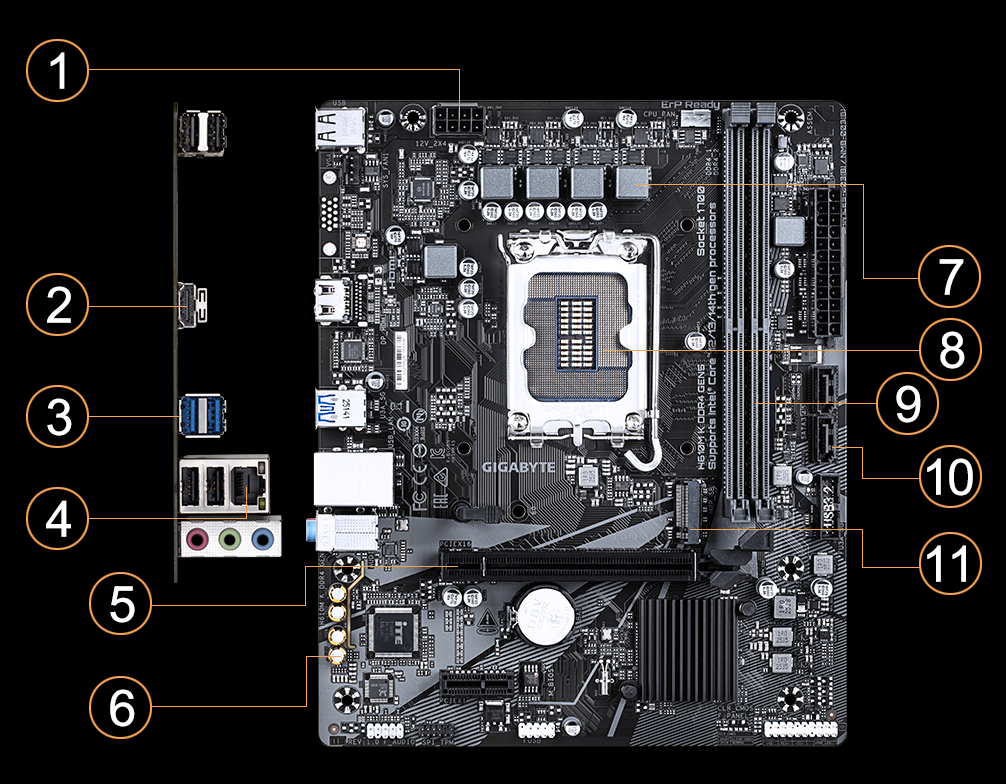
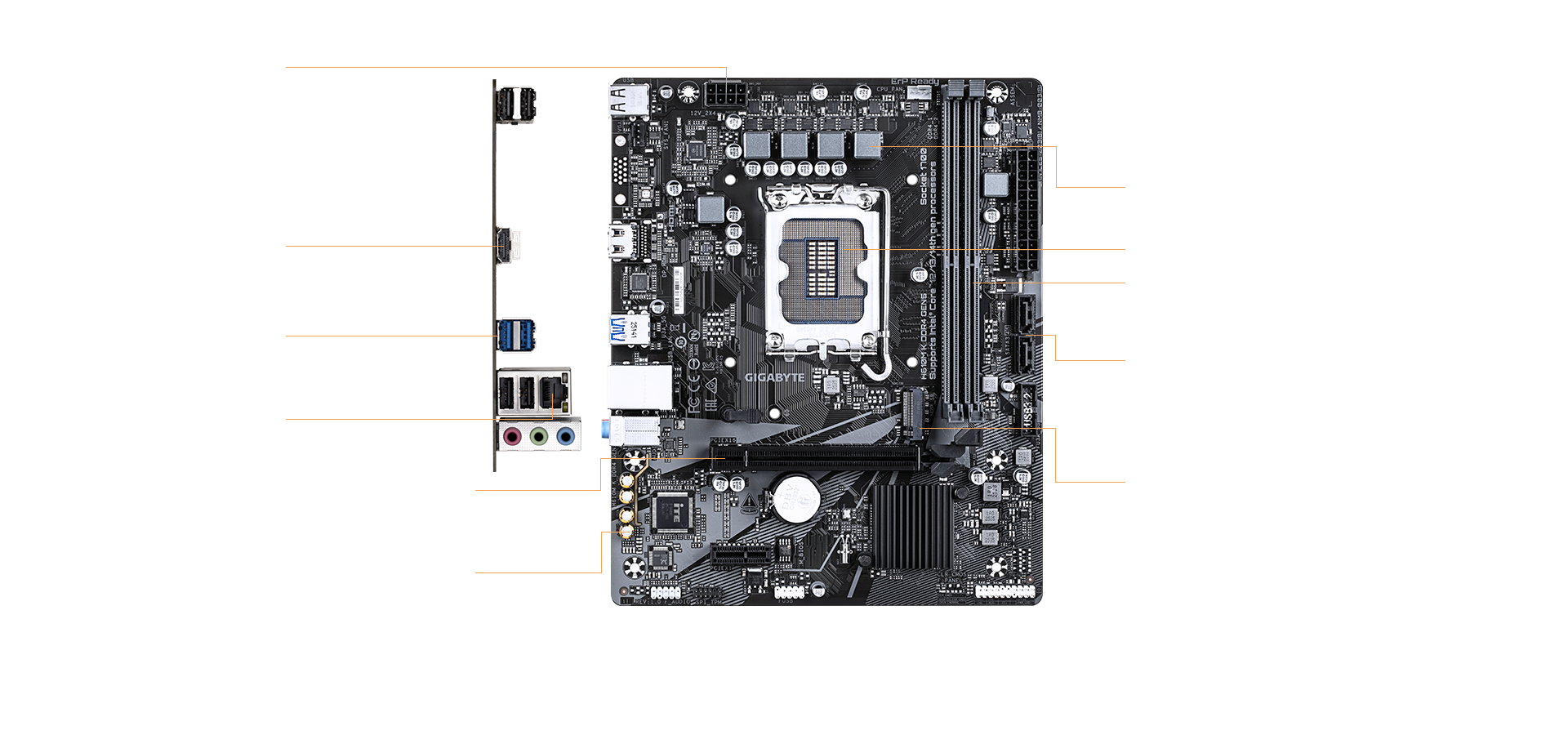
1
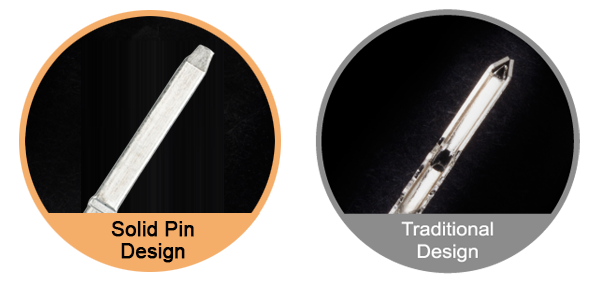
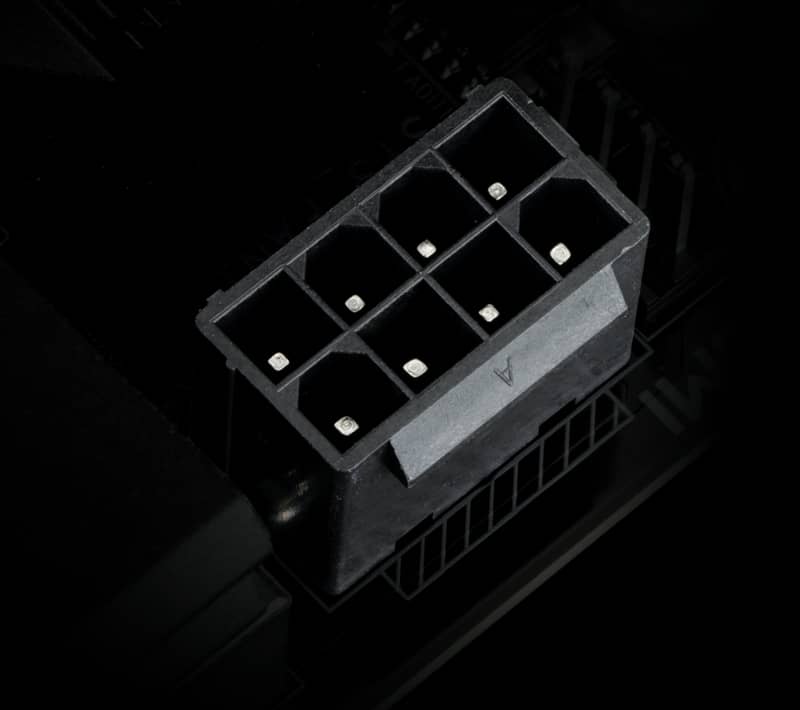
Solid Pin Power Connector
- 8 pin CPU Power Connector
2
HDMI
3
USB 3.2 Gen1
4
GbE LAN
5
PCIe 5.0 Design
- 1 x PCIe 5.0 x16 slot
6
Audio Solutions
- 8-ch HD Audio
- Audio Noise Guard
- High-End Audio Capacitors
7
3+1+1 Phases Hybrid Power Design
- 50A Low RDS(on) MOSFETs
- PCIe 4.0 Ready PCB
8
Supports 13th/12th Gen. Intel Core™ Processors
9
2 x SATA 6Gb/s
10
Dual Channel DDR4, 2 DIMMs
11
M.2 Connector
- 1 x PCIe 3.0 x4 M.2
PERFORMANCE
PCIe 5.0 Design
Single 32GB Support
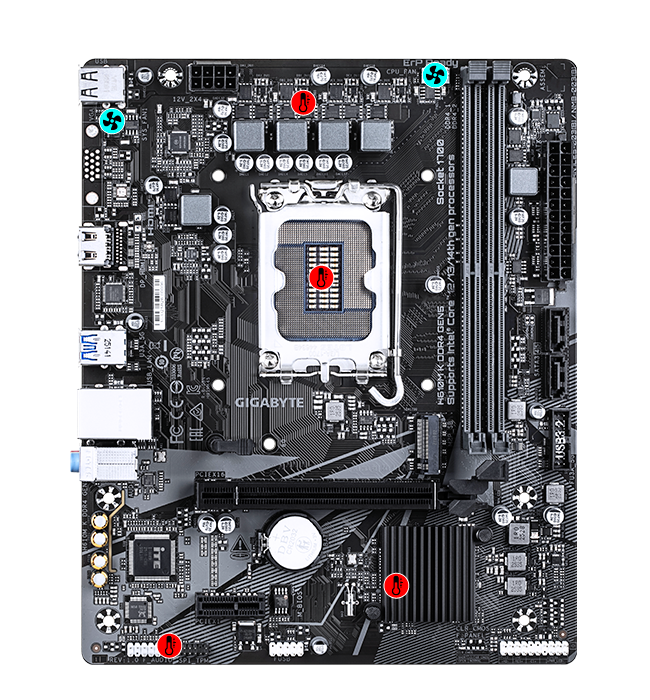
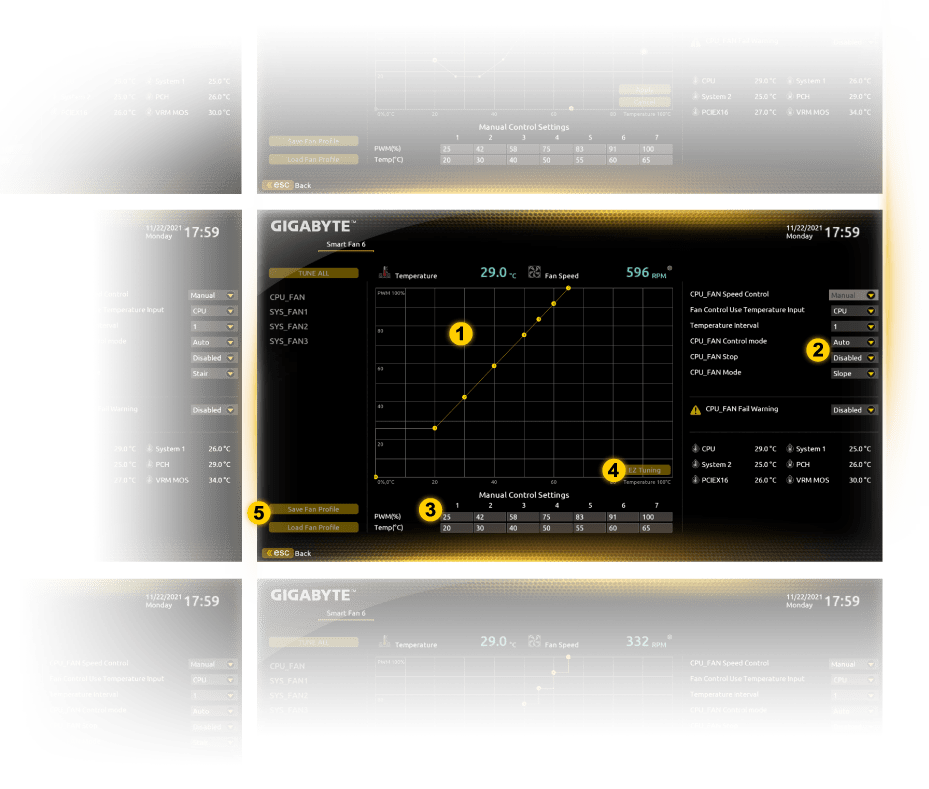
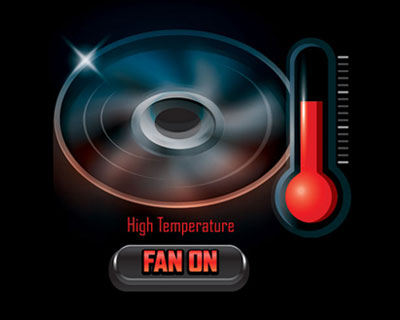
Smart Fan 6
HYBRID CORE OPTIMIZATION
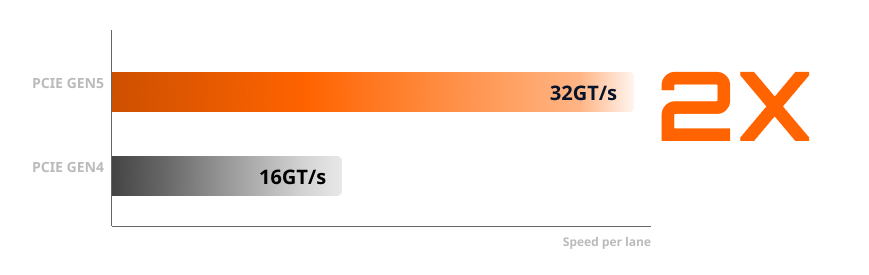
Express to PCIE5 Performance
The new GIGABYTE H610 motherboards provides the most efficient solution to enjoy boosted performance of PCIe Gen5 on the existing platform. PCIe 5.0 doubles the data transfer rate of PCIe 4.0 from 16 GT/s to 32 GT/s per lane. This substantial increase in bandwidth particularly benefits high-performance graphics cards, storage devices, and AI accelerators that demand faster data movement.
Single 32GB Support
The maximum memory capacity on the H610 motherboard is 64 GB. After Intel updated the memory reference code, a single slot can support up to 32GB. Therefore with populated 2 DIMM per channel on both channel, total memory capacity is 64GB, which was only available on High End Desktop (HEDT) platforms. For users who always run out of memory capacity, there is more bandwidth now for memory-intensive application such as rendering and video editing.
Hybrid Cores Optimization
With new Intel Hybrid technology, GIGABYTE exclusively creates two new "CPU Upgrade" in BIOS
profiles to meet different users’ scenarios by adjusting P-Core and E-Core activation and
voltage
policy.
GAMING
- • Deactivate all E-Core
- • Zero compromise on gaming performance
- • Up to 20% lower CPU package power
- • Up to 5°C lower CPU temperature

Max Performance
- • Activate all P-Core and E-Core
- • Maximize full multi-cores performance

CONNECTIVITY
GbE LAN
PCIe 3.0 M.2 Slot
Hi-Fi Audio
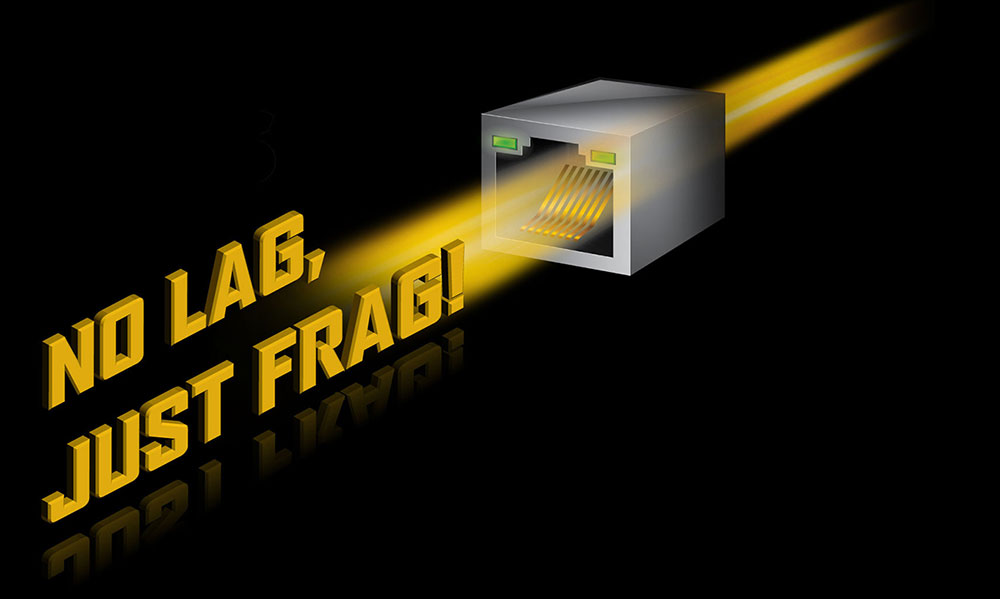
GbE LAN
Gigabit Ethernet (GbE) LAN provides significantly faster data transfer speeds of up to 1 Gbps, which is ten times faster than traditional 100 Mbps Fast Ethernet, enabling smoother streaming, faster file transfers, and more responsive network applications.
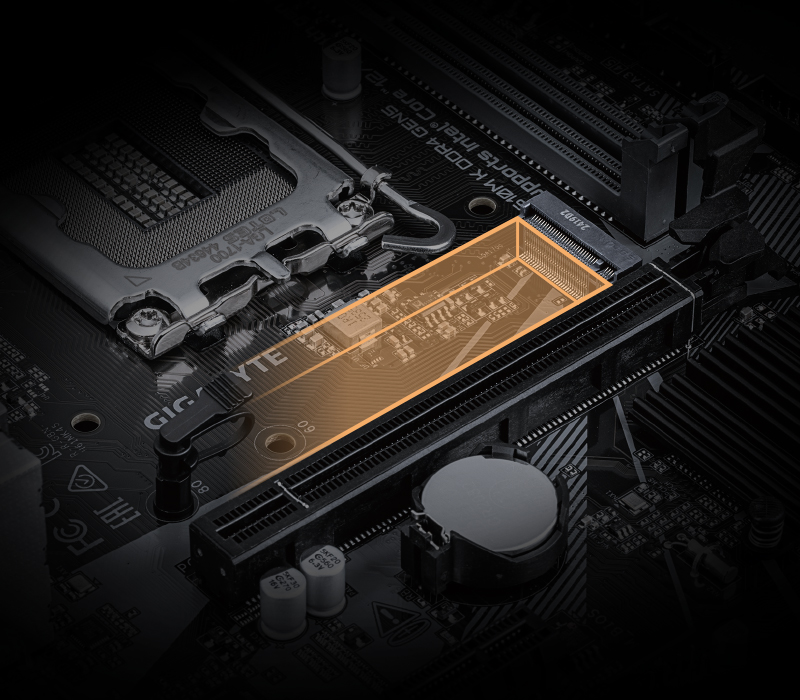
NVMe PCIe Gen3 x4 M.2 Connector
GIGABYTE Motherboards are focused on delivering M.2 technology to enthusiasts who want to maximize their system's potential.
* Photo for reference only.
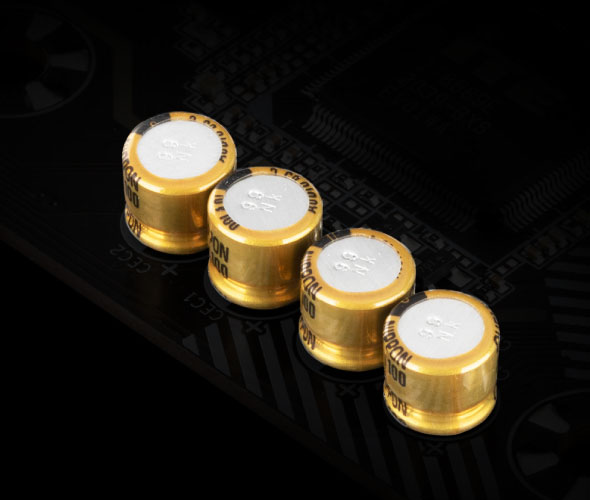
High-End Audio Capacitors
GIGABYTE motherboards use high-end audio capacitors. These high quality capacitors help deliver high resolution and
high
fidelity audio to provide the most realistic sound effects for gamers.
Audio Noise Guard
GIGABYTE motherboards feature an audio noise guard that essentially separates the board’s sensitive analog audio
components from potential noise pollution at the PCB level.
ULTRA DURABLE
Solid Pin
Anti-Sulfur
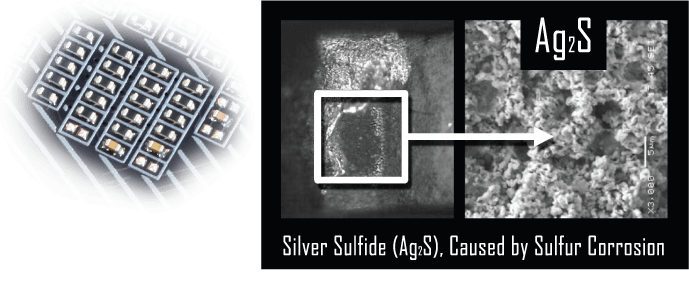
START SULFURIZATION PROTECTION
Sulfur compounds in the air can penetrate tiny onboard resistors creating chemical change and causing these resistors to open or short. If either of these occurs the motherboard will fail to function. By equipping resistors with an Anti-Sulfur Design GIGABYTE gives Ultra Durable Motherboards a whole new meaning.
SOFTWARE
BIOS
APP Center
Easy Tune
System Information Viewer
BIOS
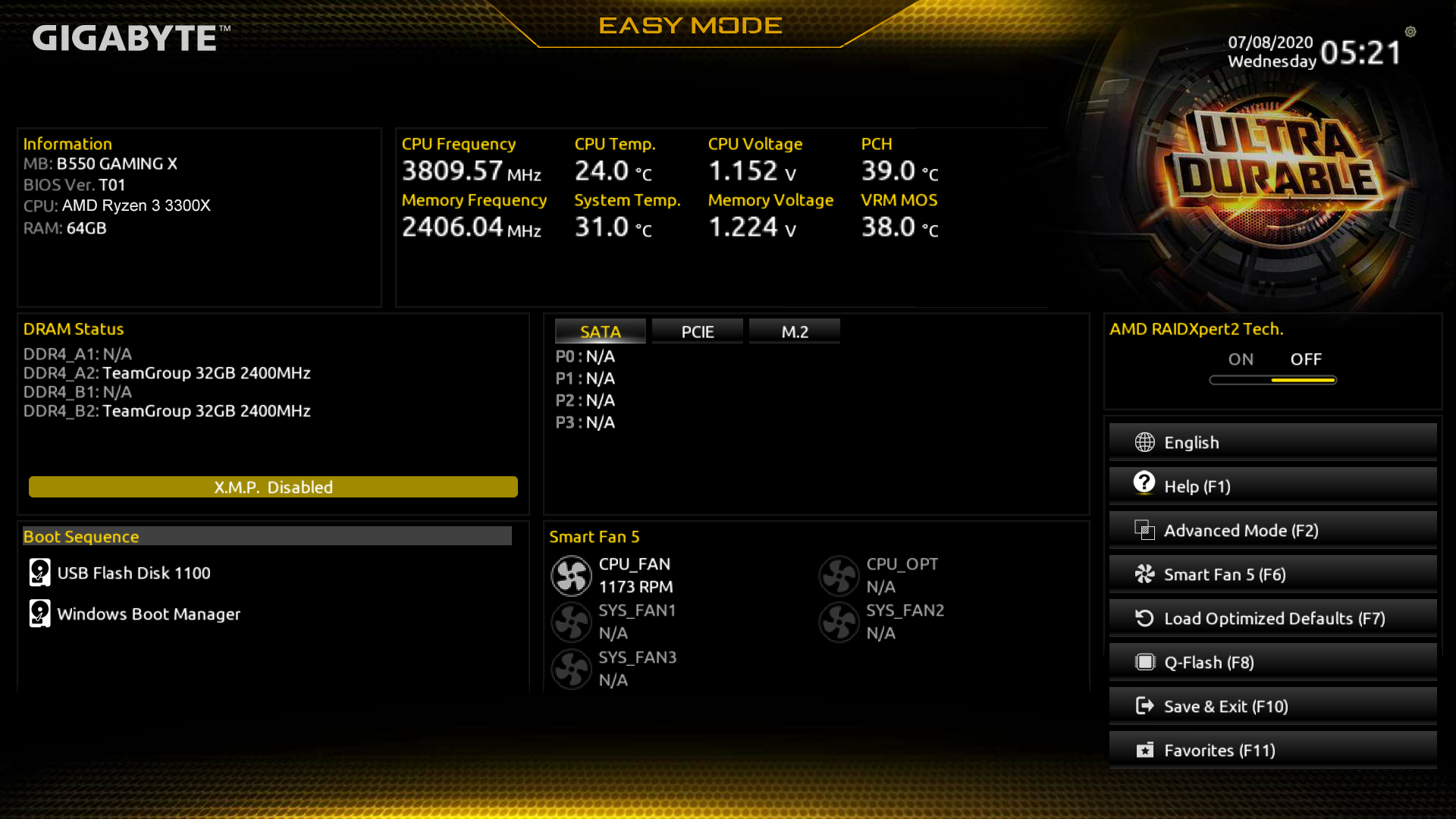
The BIOS is essential for users during initial setup to allow for the most optimal settings. With a
new GUI and easier
to use functionalities, GIGABYTE has been able to reinvent the BIOS to give users a better
experience while setting up
their new system.
* Photos are for reference only. Product features may vary by model.
APP CENTER
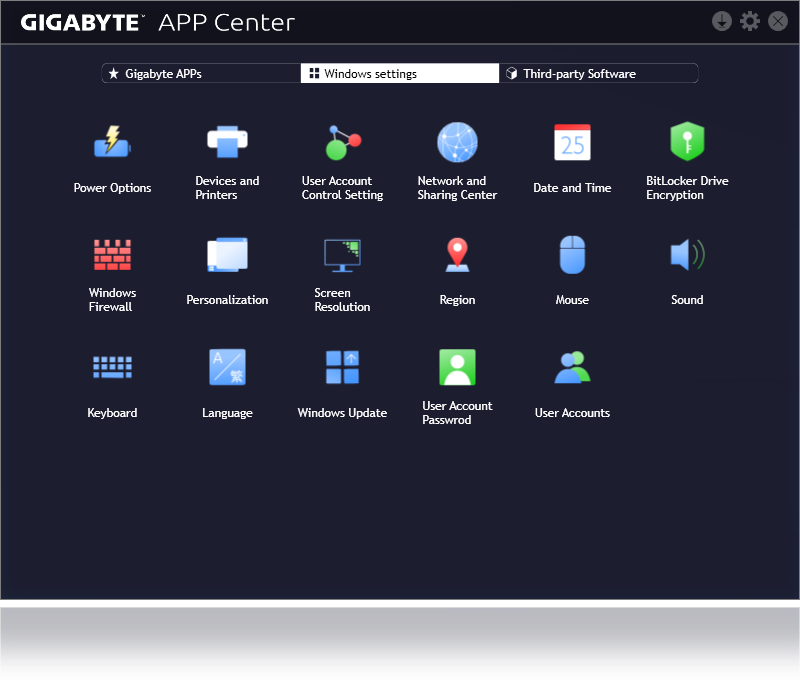
GIGABYTE APP CENTER is a useful portal of all GIGABYTE MB utilities and drivers, you
can choose any utility you want to install from APP CENTER and keep updated with the
latest utilities and drivers version.
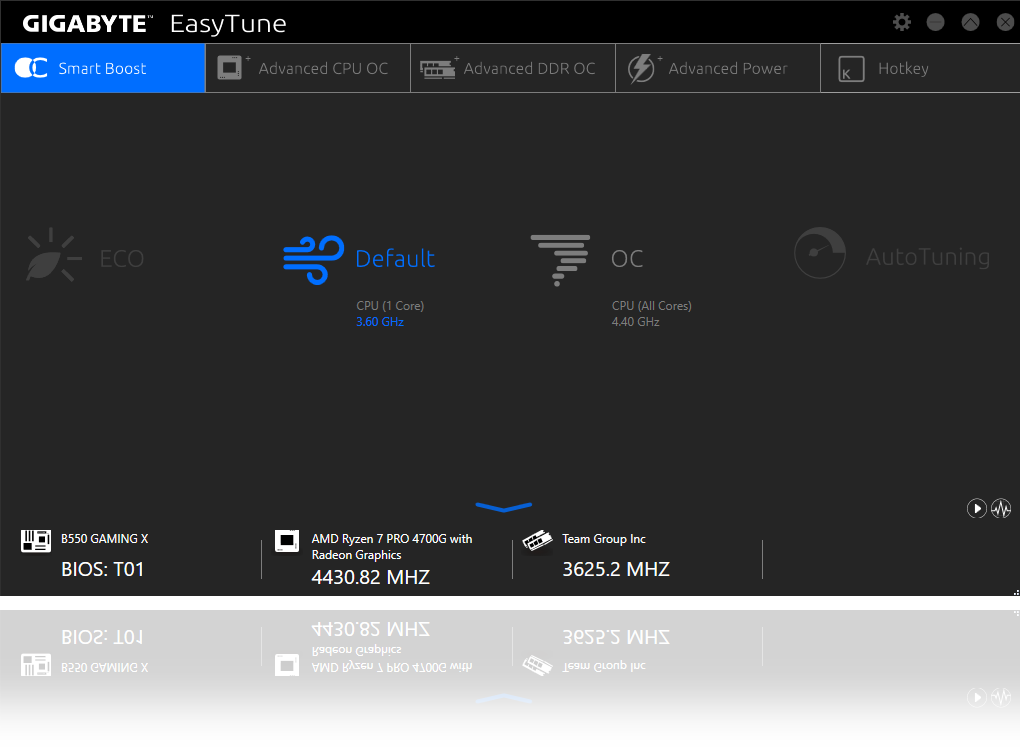
EasyTune™
GIGABYTE's EasyTune™ is a simple and easy-to-use interface that allows users to
fine-tune their system settings or adjust
system and memory clocks and voltages in a Windows environment.
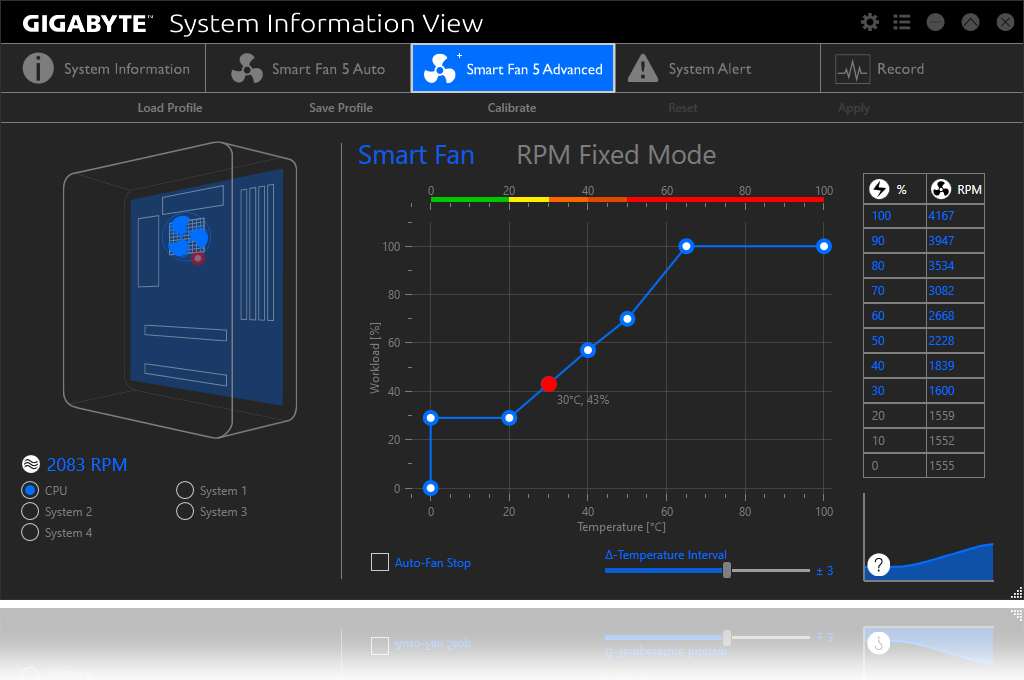
System Information Viewer
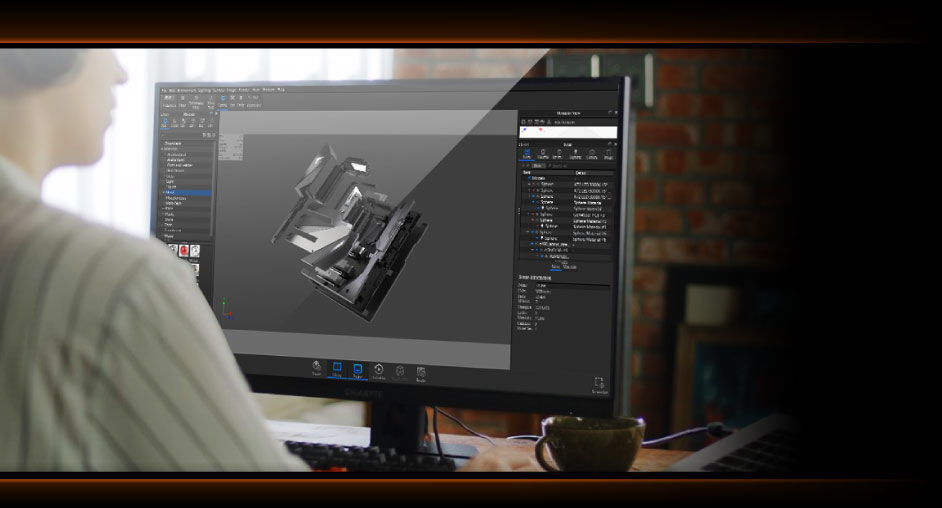
GIGABYTE System Information Viewer is a central location that gives you access to
your current system status. Monitor components
such as the clocks and processor, set your preferred fan speed profile, create
alerts when temperatures
get too high or record your system's behavior; these are the possibilities of the
System Information
Viewer.

* The terms HDMI, HDMI High-Definition Multimedia Interface, HDMI Trade dress and the HDMI Logos are trademarks or registered trademarks of HDMI Licensing Administrator, Inc.
* Product specifications and product appearance may differ from country to country. We recommend that you check with your local dealers for the specifications and appearance of the products available in your country. Colors of products may not be perfectly accurate due to variations caused by photographic variables and monitor settings so it may vary from images shown on this site. Although we endeavor to present the most accurate and comprehensive information at the time of publication, we reserve the right to make changes without prior notice.